



Installing Guide
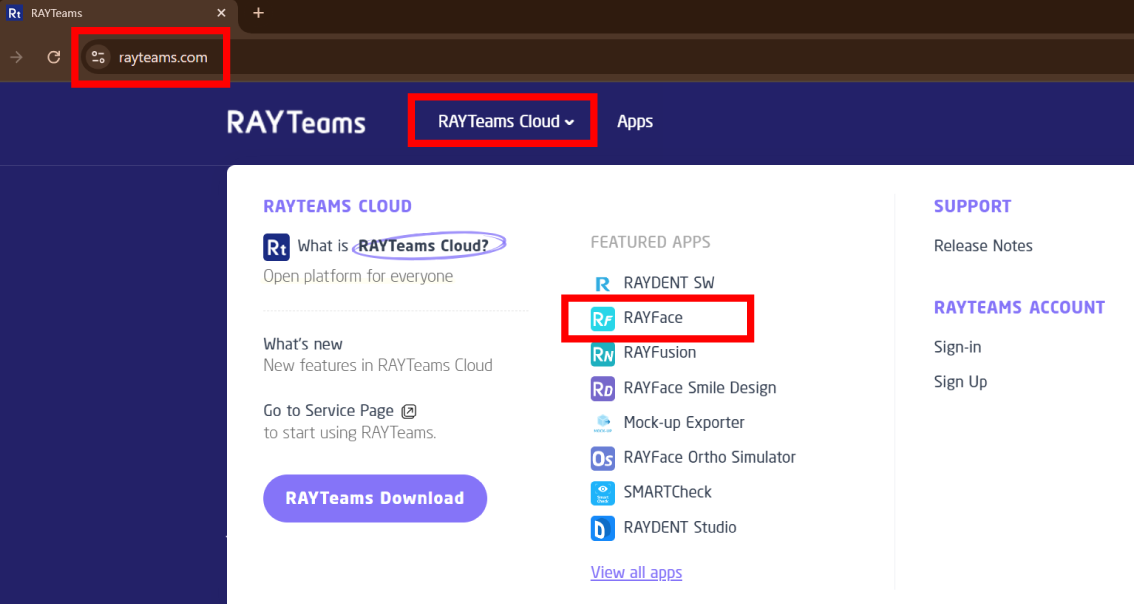
1. Visit www.rayteams.com and locate the RAYFace app under the RAYTeams Cloud menu.
2. Download the RAYFace software by clicking the
Download button at the bottom.

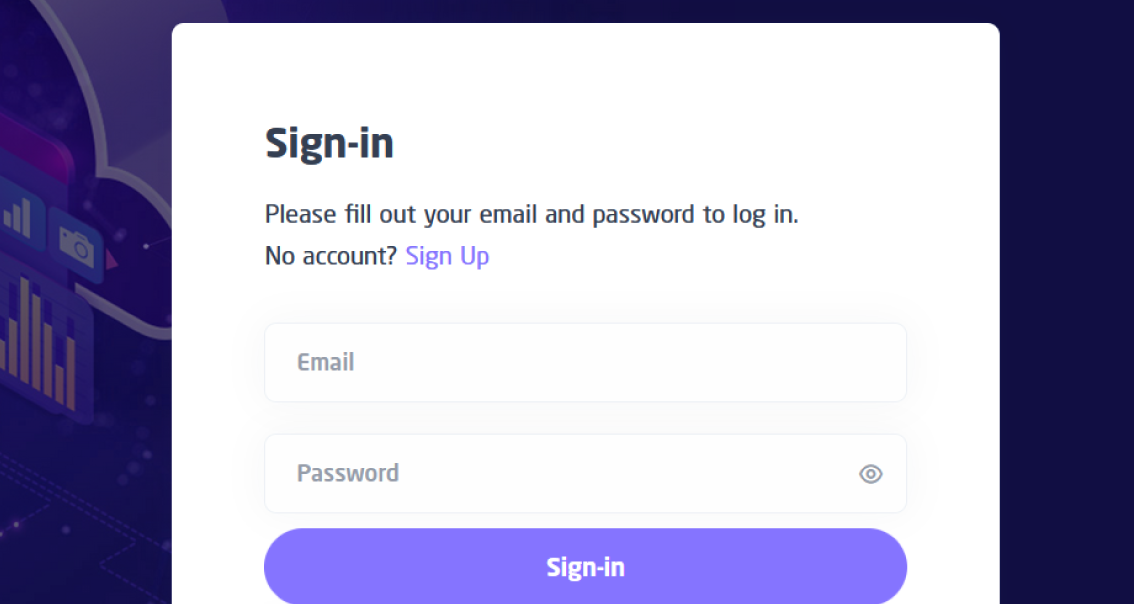
3. Sign-in to RAYTeams account or create new
account to be able to download RAYFace Software.
4. Install RAYFace software (RAYTeams software will
be automatically installed).

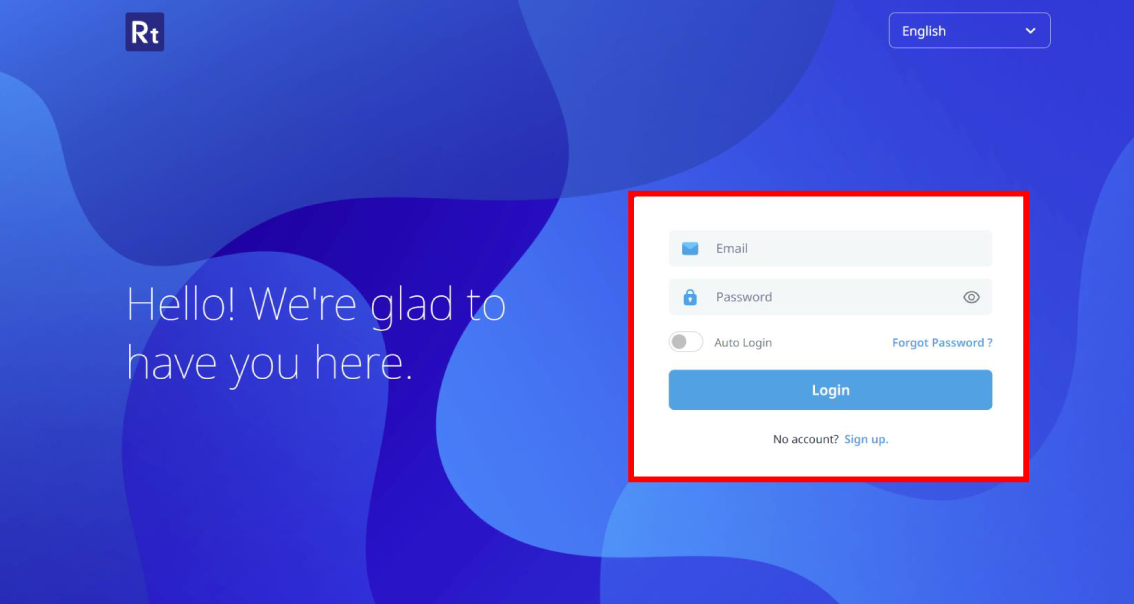
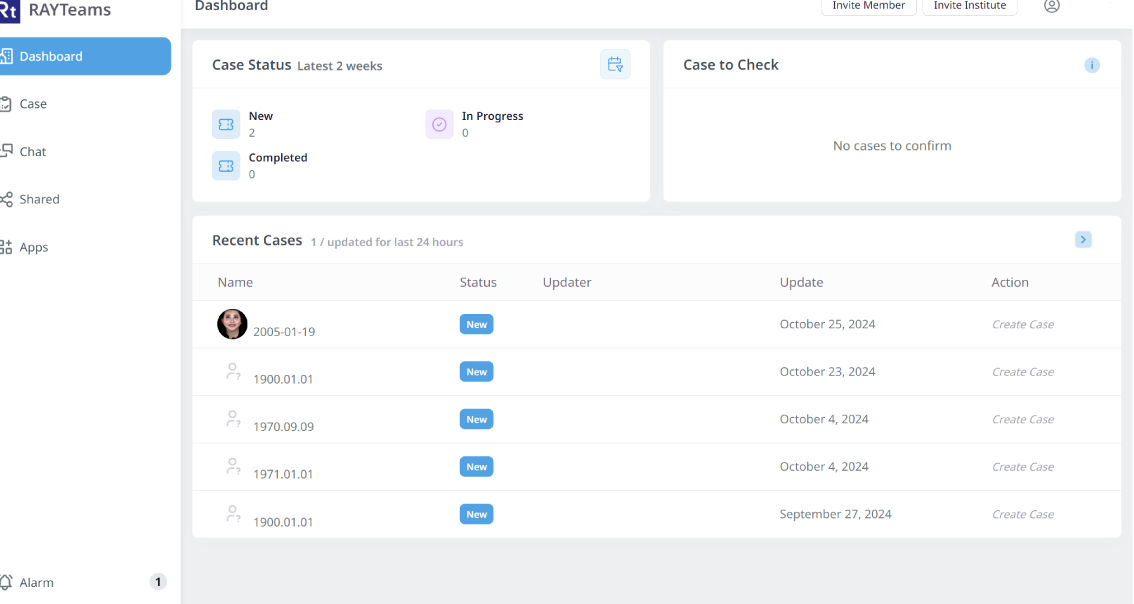
5. Launch RAYTeams software and Login.
If you encounter any issues with the installation, please reach out to us at support@dentalandfacialimaging.com.au or call us at (02) 9037 3983.
Installing Guide
1. Visit www.rayteams.com and locate the RAYFace app under the RAYTeams Cloud menu.
2. Download the RAYFace software by clicking the
Download button at the bottom.
3. Sign-in to RAYTeams account or create new
account to be able to download RAYFace Software.
4. Install RAYFace software (RAYTeams software will
be automatically installed).
5. Launch RAYTeams software and Login.
If you encounter any issues with the installation,
please reach out to us at
support@dentalandfacialimaging.com.au or call us at
(02) 9037 3983.